MENU
Waihī College is now be using the SchoolBridge app to help keep our community connected and informed. SchoolBridge makes it easy to view the school calendar, check notices, see timetables, and report student absences—all in one place.
We’ll also be rolling out digital permission slips through the app in the near future, making things even simpler for busy whānau.
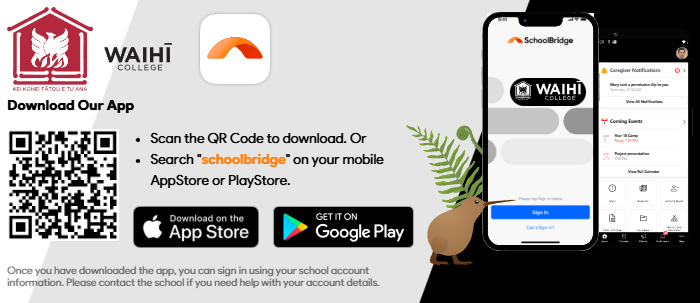
The app is super easy to download —use the QR code or download via Apple Store or Google Play. If you want it on your PC, go to https://waihicol.bridge.school.nz/
We’re looking forward to using SchoolBridge to strengthen communication between home and kura and support our students together. Nāu mai, haere mai to an easier way to stay connected.
STEP1: download the Schoolbridge App
Either scan the QR code or download via App Store or Google Play
STEP 2: Sign in with your school registered email
For caregivers, this is the email address you used when enrolling your student and for students, it is your school email address.
If you are unsure, use the ‘Request a Magic Sign-in Code’ option